Get the ck99 App — Bet on Cricket, Spin Slots, Withdraw to bKash in Minutes
One free download gives you full access to 5,900+ games, live cricket odds, and instant bKash/Nagad payouts from your Android phone. Works on Android 8.0 and up. No Play Store needed.
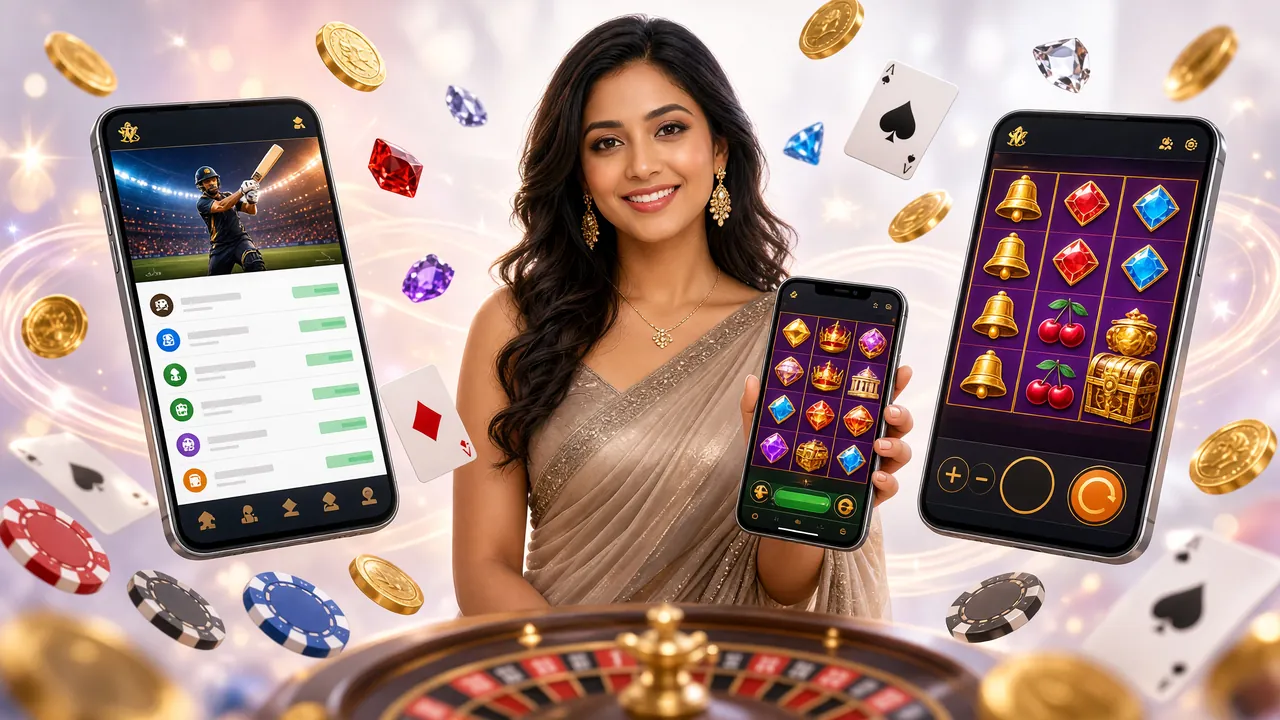
Download the App — Free, Official, Always Up to Date
The APK is hosted on this site. You are always getting the official build — not a modified copy from a third-party store. The file is small, the install takes under two minutes, and the app updates itself when a new version is released.
| Field | Details |
|---|---|
| App Name | ck99 |
| File Name | ck99l1.apk |
| Version | 3.3.3 |
| File Size | 45 MB |
| Minimum Android Version | 8.0 (Oreo) |
| Last Updated | 17 November 2026 |
| Price | Free |
| Languages | English, Bangla |
| Platform | Android (APK sideload) |
Using an iPhone? Add ck99 to Your Home Screen
There is no iOS App Store listing for ck99. iPhone and iPad users can pin the mobile website as a shortcut that opens full-screen, with no browser chrome.
Open Safari on your iPhone
Go to ck99l1.com in Safari. This only works in Safari — Chrome on iOS cannot add to Home Screen.
Tap the Share button
The Share button is the box with an upward arrow at the bottom of the screen on iPhone, or at the top on iPad.
Select "Add to Home Screen"
Scroll down in the Share sheet and tap Add to Home Screen. Give it a name like "ck99" and tap Add.
Open from your Home Screen
Tap the ck99 icon on your Home Screen. The site opens full-screen without any browser bar — it feels like a native app.
Inside the App: Games Ready to Play


5,900+ Games On Mobile
Every slot, live table, and sports market from the desktop site is available in the app — including Evolution, Pragmatic Play, Red Tiger, and Habanero titles.
Deposit via bKash in Under 5 Minutes
Open the cashier tab, choose bKash, enter your amount (minimum ৳150), confirm in your bKash app, and funds appear in your ck99 wallet within 5 minutes.
Live Cricket Odds — Updated in Real Time
Place in-play bets on T20, ODI, and BPL matches. Odds refresh ball by ball. Withdraw winnings to Nagad or Rocket, usually within 23 minutes.
Install the ck99 App on Android — Step by Step
Android 8.0 or later is required. The whole process takes about two minutes on a standard mobile data connection. Follow these steps in order and the app will install without issues.
-
1
Allow Installation from Unknown Sources
Go to Settings → Apps → Special App Access → Install Unknown Apps. Find your browser (Chrome or the Samsung browser) and toggle Allow from this source to On. This one-time step lets Android accept APK files from outside the Play Store.
-
2
Download the APK File
Tap the Download APK button on this page. Your browser will save ck99l1.apk (45 MB) to your Downloads folder. Wait for the progress bar to reach 100% — do not close the browser tab during download.
-
3
Open the Downloaded File
Tap the download notification, or open your Files / My Files app, navigate to Downloads, and tap ck99l1.apk. Android will show an install prompt. Review the permissions screen and tap Install.
-
4
Wait for Installation to Complete
Installation takes 10–20 seconds. When the screen shows "App installed", tap Open or find the ck99 icon on your Home Screen or in your App Drawer. Do not force-stop the installer before it finishes.
-
5
Log In or Register Your Account
Open the app. If you already have a ck99 account, tap Log In and enter your phone number and password. New user? Tap Register — it takes under three minutes. Then deposit via bKash (minimum ৳150) to claim your welcome bonus.
No account yet? Register here first — it only takes your phone number and a password. You can register on the website or inside the app after installing it.
What the App Puts in Your Hands
This is not a cut-down mobile version. Every feature from the full site is available in the app, optimised for touchscreen use and low-latency mobile connections common in Dhaka, Chittagong, and rural Bangladesh.
Fast Login with Phone Number
Log in using your registered mobile number and password. The app remembers your session — you will not need to log in again unless you actively sign out or clear app data. Biometric lock (fingerprint) is available on supported phones.
Instant Deposits via bKash and Nagad
Open the in-app cashier, choose bKash, Nagad, Rocket, or Upay, enter your amount (minimum ৳150), and confirm in your mobile banking app. Funds appear in your ck99 wallet within 5 minutes — no bank transfer delays.
Withdraw Winnings in About 23 Minutes
Raise a withdrawal request inside the app — minimum ৳500, daily limit ৳25,000. Funds land in your bKash or Nagad account in roughly 23 minutes during normal hours. First-time withdrawals may take up to one hour and require a quick document check.
Live Casino and Real-Time Sports Betting
Evolution and Sexy Gaming live tables stream smoothly over 4G. Cricket sportsbook covers T20, ODI, BPL, and IPL with ball-by-ball in-play odds. Switch between a slot session and a live cricket match without reloading.
Push Notifications for Bonuses and Match Alerts
Allow notifications and the app will ping you when a reload bonus is live, when a cricket match you followed is about to start, or when your withdrawal is processed. You can control notification types in Settings.
24/7 Live Chat Support Built In
Tap the support icon to open a live chat session directly inside the app — no need to open a browser. Response times are typically under two minutes. Support covers account issues, payment delays, and bonus queries.
Installation Not Working? Fix These Common Problems
Most install failures come from one of five causes below. Each one has a clear fix — work through the list from the top.
Android blocked the install with "Install blocked" or "Blocked by Play Protect"
Cause: Google Play Protect flags APK files from outside the Play Store by default.
Fix: When the Play Protect warning appears, tap More details then Install anyway. This is safe for the official ck99l1.apk downloaded directly from this page. Alternatively, open the Play Store app → Menu → Play Protect → Settings, and disable Scan apps with Play Protect. You can re-enable it after installation.
Prevention: Always download the APK from ck99l1.com/ck99l1-app/ — do not use Telegram groups or mirror sites.
Error: "There was a problem parsing the package"
Cause: The APK file is corrupted or the download was interrupted before it completed.
Fix: Delete the existing ck99l1.apk from your Downloads folder. Check that your internet connection is stable (switch from mobile data to Wi-Fi if possible), then download the file again from this page. Wait until the browser shows the full 45 MB downloaded before tapping the file.
Install fails with "Insufficient storage" or the phone freezes mid-install
Cause: The phone does not have enough free internal storage. Android needs at least double the APK size as working space during installation.
Fix: Go to Settings → Storage and free up at least 100 MB. Clear the cache of heavy apps (YouTube, Chrome, WhatsApp), or move photos to an SD card. Then retry the installation.
App installed but it crashes immediately when opened
Cause: Usually a corrupted install, or an older Android version below 8.0 that is not supported.
Fix: First, go to Settings → Apps → ck99 → Storage → Clear Cache and try opening the app again. If it still crashes, uninstall completely, restart your phone, and reinstall from a fresh download. Check your Android version under Settings → About Phone — if it shows Android 7.x or lower, the app will not run.
The "Unknown sources" toggle is missing on my phone
Cause: Android 8.0 moved the unknown sources setting from a global switch to a per-app permission.
Fix: Go to Settings → Apps → Special App Access → Install Unknown Apps. Tap on the browser you use (Chrome, Samsung Internet, or Firefox), then enable Allow from this source. If your phone is on Android 7 or earlier, the setting is at Settings → Security → Unknown Sources as a single global toggle.
Running ck99 on a Budget Phone or Slow Connection
Most Bangladeshi players use entry-level Android phones and mobile data, not Wi-Fi. The ck99 App is built to run on 2 GB RAM devices and 3G connections — here is how to get the most out of it.
Low-Memory Android Phones
- Close all background apps before launching ck99 — this frees RAM and prevents slowdowns.
- Disable animations: Settings → Developer Options → Window/Transition/Animator Scale → Off. The app will feel noticeably faster.
- Do not run a VPN at the same time — it uses extra CPU and memory.
- If the app slows down after long sessions, force-close it and reopen — this clears the in-app cache.
- Keep at least 500 MB of free storage at all times. The app writes temporary game data while you play.
Saving Data on 2G / 3G
- In the app settings, enable Data Saver Mode — it lowers game animation quality but cuts data use by roughly 40%.
- Slots and lottery games use less data than live video casino tables. Play these if your signal is weak.
- Pre-load the game lobby over Wi-Fi (a coffee shop or home connection) before travelling to an area with weak coverage.
- Deposit and withdrawal requests are very small data operations — they work reliably even on 2G edge networks.
- Turn off push notifications if you are on a limited data plan — notifications use a background data connection that runs continuously.
Battery Saving Tips
- Lower screen brightness to 40–50%. Live casino games keep the screen active — this makes the biggest difference in battery life.
- Enable the phone's built-in battery saver mode while playing slots — it limits background processes without affecting the game.
- Turn off Bluetooth and GPS while using the app. The ck99 App does not need location access to function (see permissions section below).
Keeping the App Updated
- The app checks for updates automatically on each launch. When an update is available, a banner appears — tap it to download the new APK in one step.
- You can also visit this page any time to download the latest version manually. The version number on this page always matches the current release.
- Do not skip updates — they often contain security patches and fixes for payment issues on specific Android builds.
App Permissions Explained — What We Access and Why
When you install the ck99 App, Android shows a list of permissions before the app runs. Here is exactly what each permission does and how you can disable it if you do not want it.
None of the permissions below are required to browse games. Only storage and internet are strictly necessary. All others can be denied — the app will still work, with some features disabled.
| Permission | Why We Request It | What Happens If You Deny It | How to Revoke |
|---|---|---|---|
|
Internet
Required
|
Loads games, processes deposits, and connects to live chat. | The app cannot function at all without internet access. | Cannot be revoked — it is a base Android permission for all networked apps. |
|
Storage / Files
Required
|
Saves the downloaded APK update file and temporary game cache. | In-app updates will not work. Game loading may be slower without cache. | Settings → Apps → ck99 → Permissions → Files and Media → Deny |
|
Notifications
Optional
|
Sends alerts for bonuses, match starts, and withdrawal status. | You will not receive bonus or payout alerts. The app works normally. | Settings → Apps → ck99 → Notifications → Off |
|
Camera
Optional
|
Used only during the account document upload step (NID / Passport scan). | You can still upload documents from your Gallery. Camera capture is not available. | Settings → Apps → ck99 → Permissions → Camera → Deny |
|
Biometrics
Optional
|
Enables fingerprint login if your phone supports it. | You will log in with your phone number and password instead. | Settings → Apps → ck99 → Permissions → Biometric Data → Deny |
Only Download the APK from This Page
Third-party APK mirror sites and Telegram groups sometimes distribute modified versions of casino apps with malware or account-stealing code. The official ck99 APK is only published at ck99l1.com/ck99l1-app/.
Check that the URL in your browser starts with https://ck99l1.com before tapping the download button. The padlock icon confirms the SSL certificate is valid.
Questions About the ck99 App
These are the questions our support team receives most often about the ck99 App download and installation.
Is the ck99 APK safe to install on my phone?
Yes, provided you download it directly from this page at ck99l1.com/ck99l1-app/. The APK is served over HTTPS, so the file cannot be altered in transit. We do not embed tracking code, spyware, or unauthorised permissions. You can verify this by reviewing the permissions list on the install screen — they match exactly what is listed in the permissions table on this page. Never install an APK from a Telegram group or unofficial mirror site.
Why isn't the ck99 App on the Google Play Store?
Google Play Store does not allow real-money gambling apps in regions where Google has not explicitly approved them. This affects the vast majority of markets, including Bangladesh. The APK sideload method is the standard distribution channel for licensed gambling apps worldwide — it is the same approach used by most comparable platforms. The ck99 App itself is fully functional; Play Store absence does not affect features, payments, or security.
How do I update the ck99 App to the latest version?
When a new version is released, the app shows an update banner on the home screen. Tap it to download the new APK in one step — you do not need to uninstall first. If you dismiss the banner, you can always come back to this page and download the latest APK manually. Installing a newer APK over an existing installation preserves all your account data and settings. The current version is 3.3.3, updated 17 November 2026.
Can I use the app on two phones at the same time?
Your ck99 account can be installed on multiple devices, but only one active session is allowed at a time. If you log in on a second phone, the first session will be signed out automatically. This is a security measure to protect your account from unauthorised access. If you need to switch devices regularly, make sure to log out properly on the old device before logging in on a new one.
Does the ck99 App work without a Wi-Fi connection?
Yes. The app works over any mobile data connection — 3G, 4G, or 5G. Slot games and sports betting work well on 3G. Live casino video streaming (Evolution tables, for example) requires a stable 4G connection for the best experience. If your signal drops mid-game, the app reconnects automatically and your session and balance are preserved. See the "low-end phones" section above for data-saving tips on slow connections.
What should I do if I forget my ck99 password after installing the app?
On the login screen, tap Forgot Password. Enter the mobile number registered on your account and you will receive an SMS with a reset link. Follow the link to set a new password — the whole process takes under two minutes. If you no longer have access to that phone number, contact 24/7 Live Chat from inside the app or via the website for account recovery assistance. Do not create a second account — duplicate accounts are flagged and may be suspended.
Ready to play? Get the ck99 App now.
Free download · Android 8.0+ · bKash deposits from ৳150 · Withdraw to Nagad in ~23 minutes
18+ · Play Responsibly